
Wedding webapp
Project Overview
A wedding webapp for my brother and his wife. Users can scan a QR-code to access the site and then login using their first name and last name to make it as accessible as possible. On the home page the guests can see which table they are sitting at, the day planning and a few items from the menu. Thers's also a guestbook where guests can leave a (voice) message and gallery where users can upload their own media. At the end of the wedding, the couple can download all the media that was uploaded by the guests.
Project Gallery
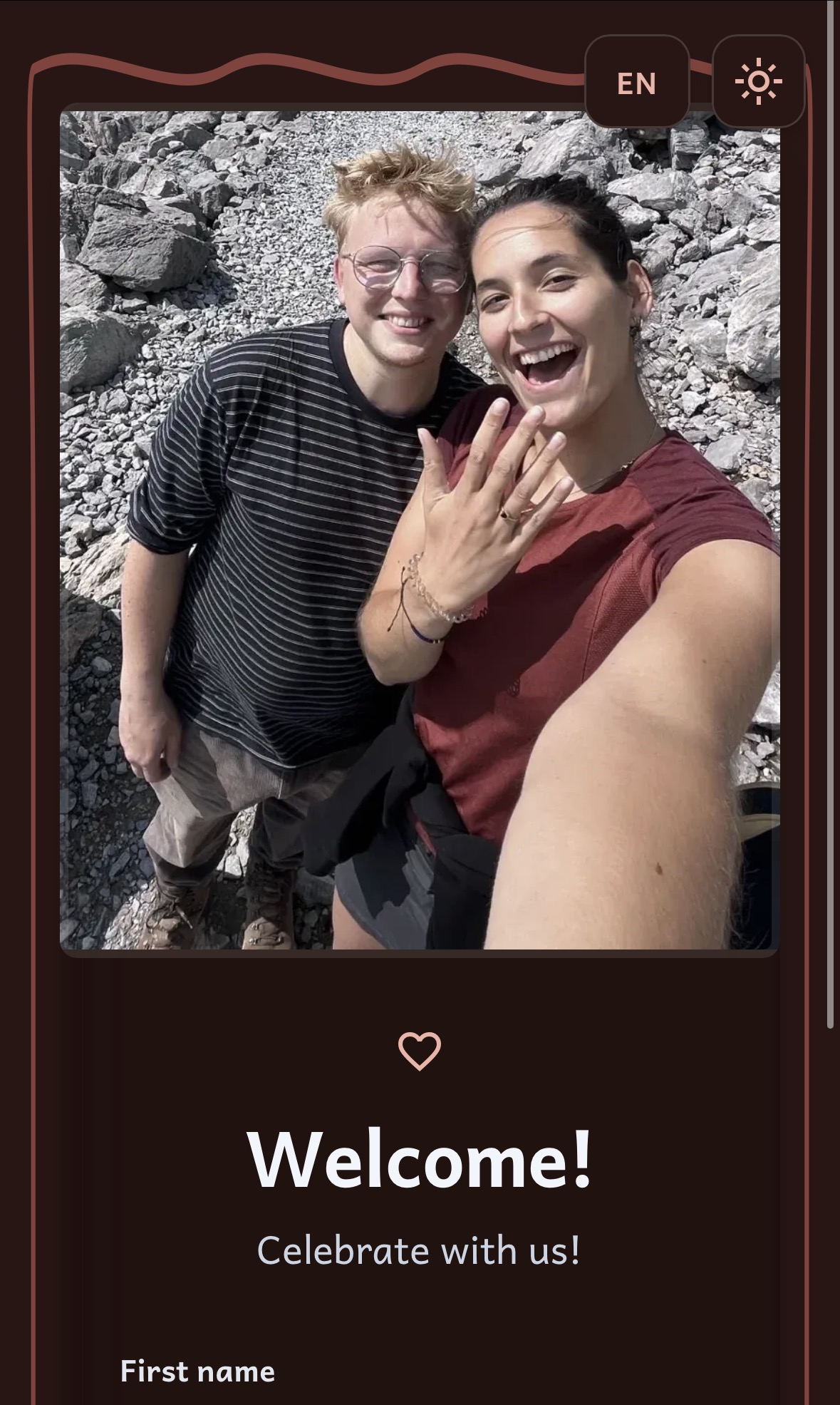
Login screen 1
The login screen, where the user can log in with their first name and last name. While typing a name the site will show suggestions of names that are in the database.
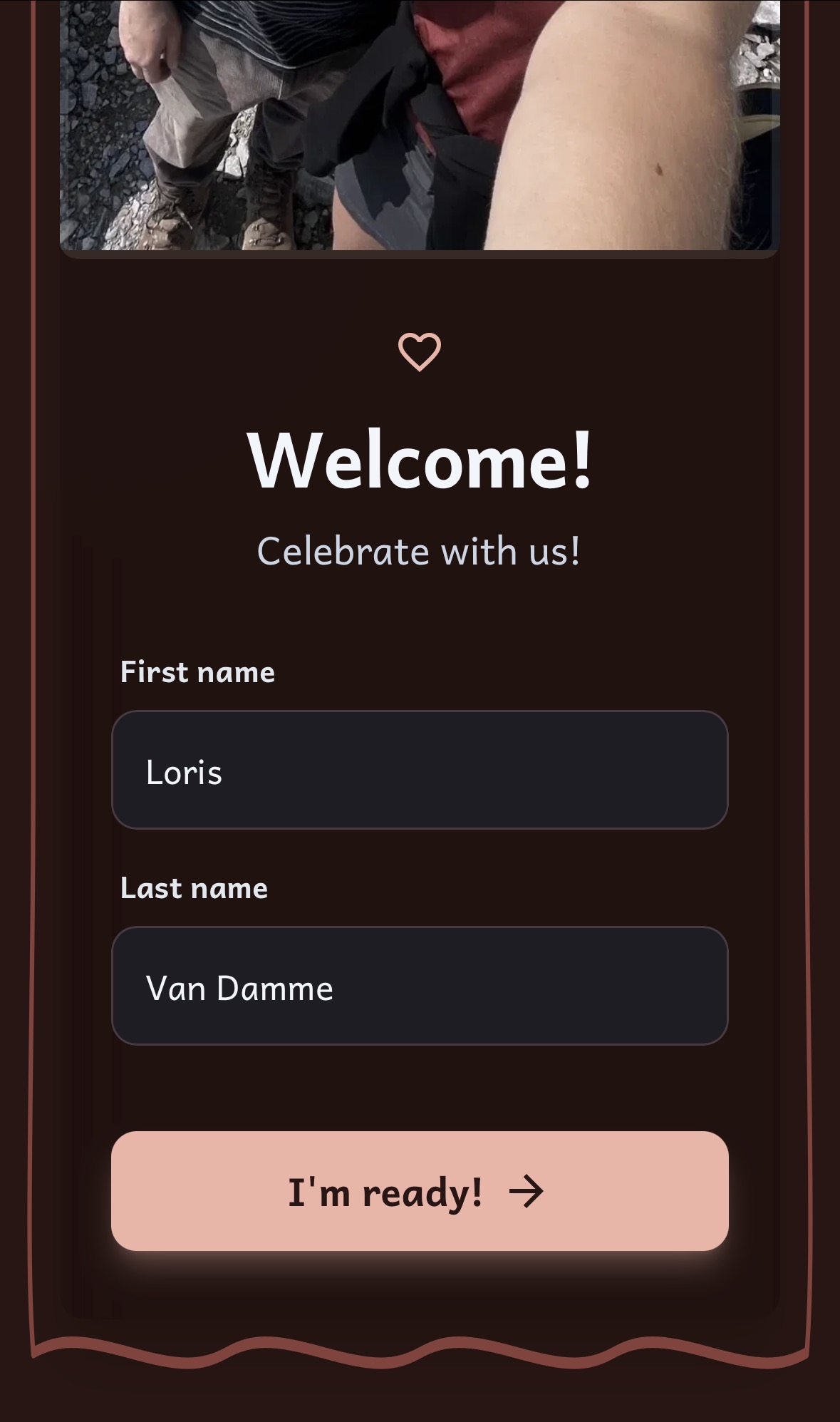
Login screen 2
The login screen, where the user can log in with their first name and last name. While typing a name the site will show suggestions of names that are in the database.
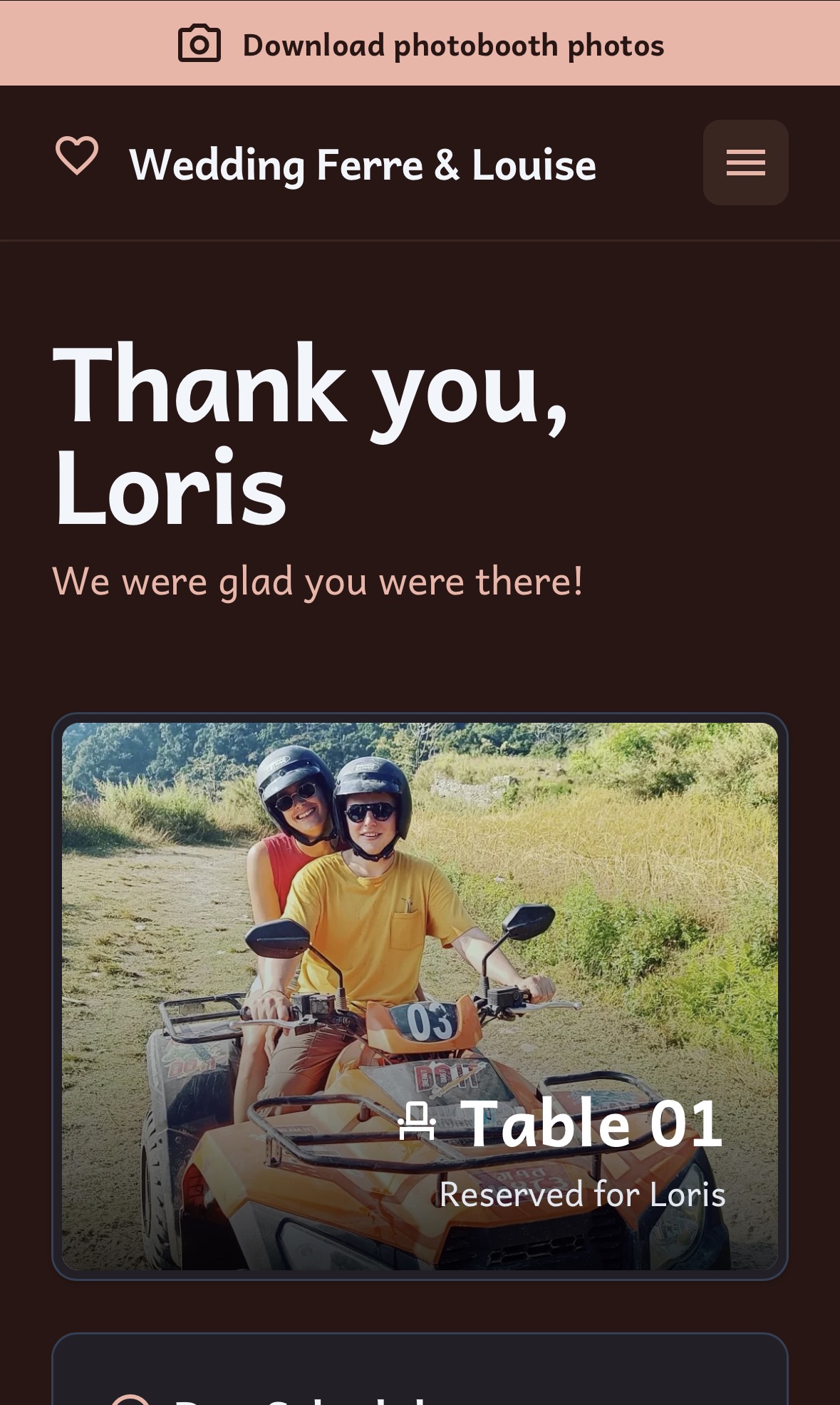
Home screen 1
The home screen, where the user can see their table number, the day's planning, and a few menu items.
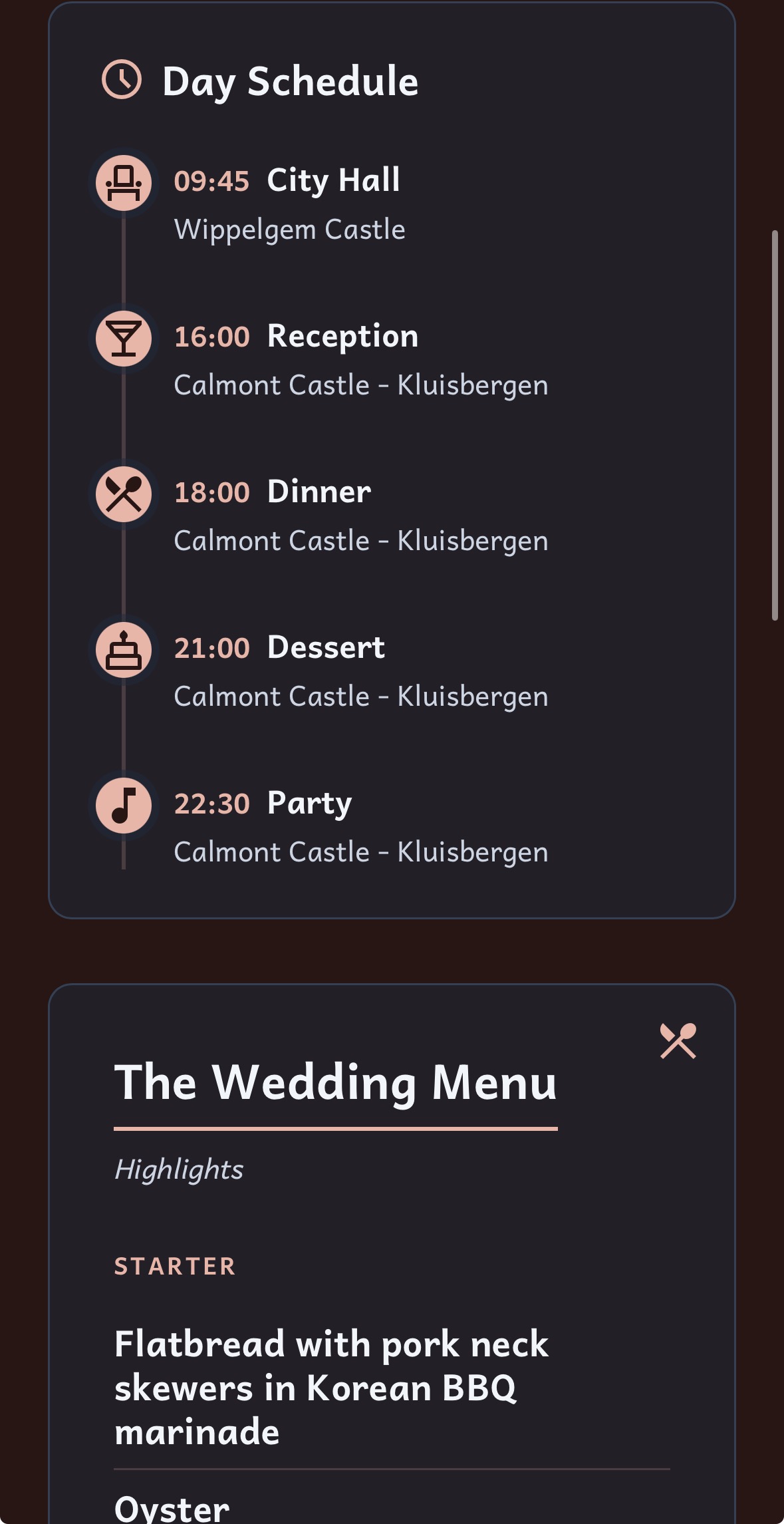
Home screen 2
The home screen, where the user can see their table number, the day's planning, and a few menu items.
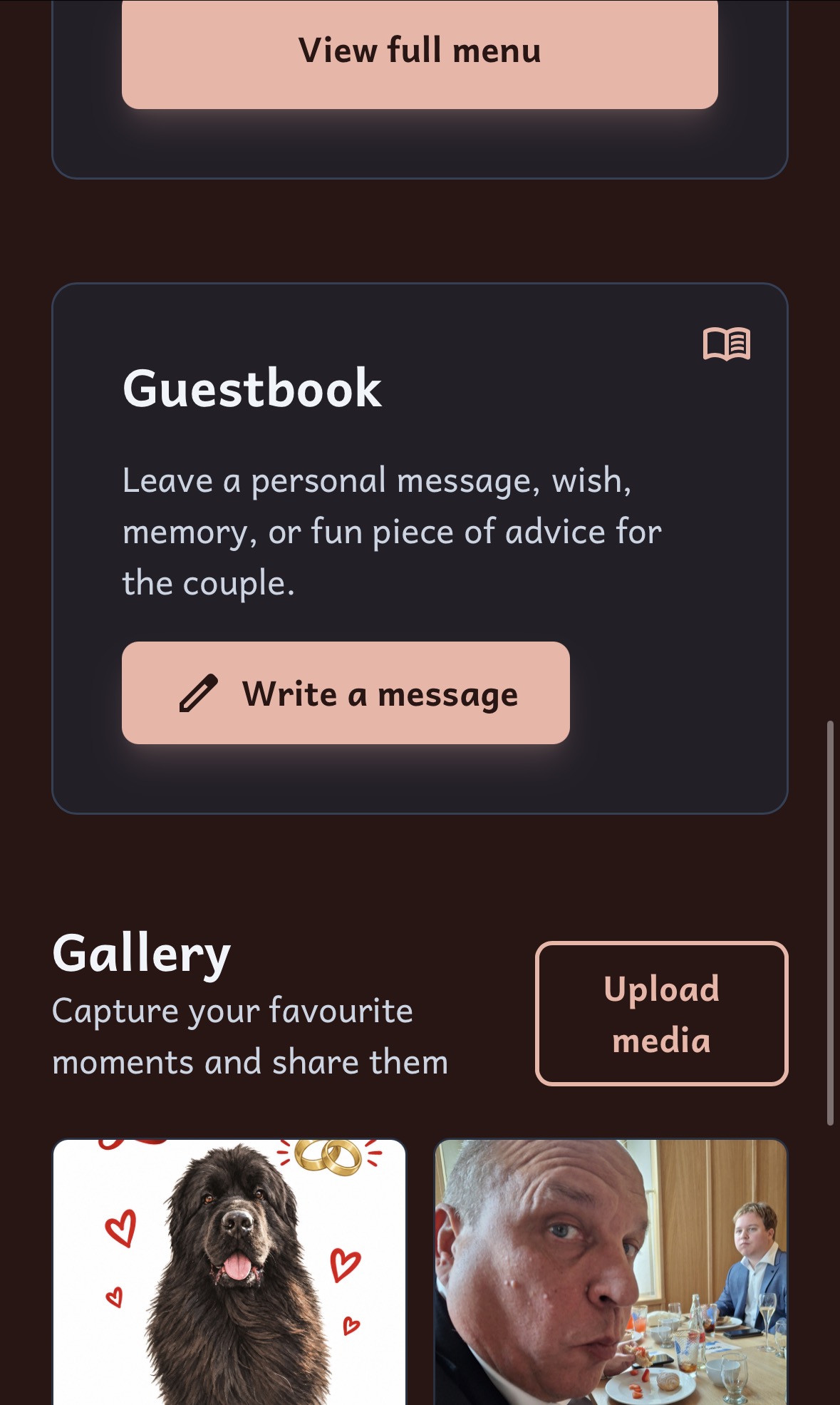
Home screen 3
The home screen, where the user can see their table number, the day's planning, and a few menu items.
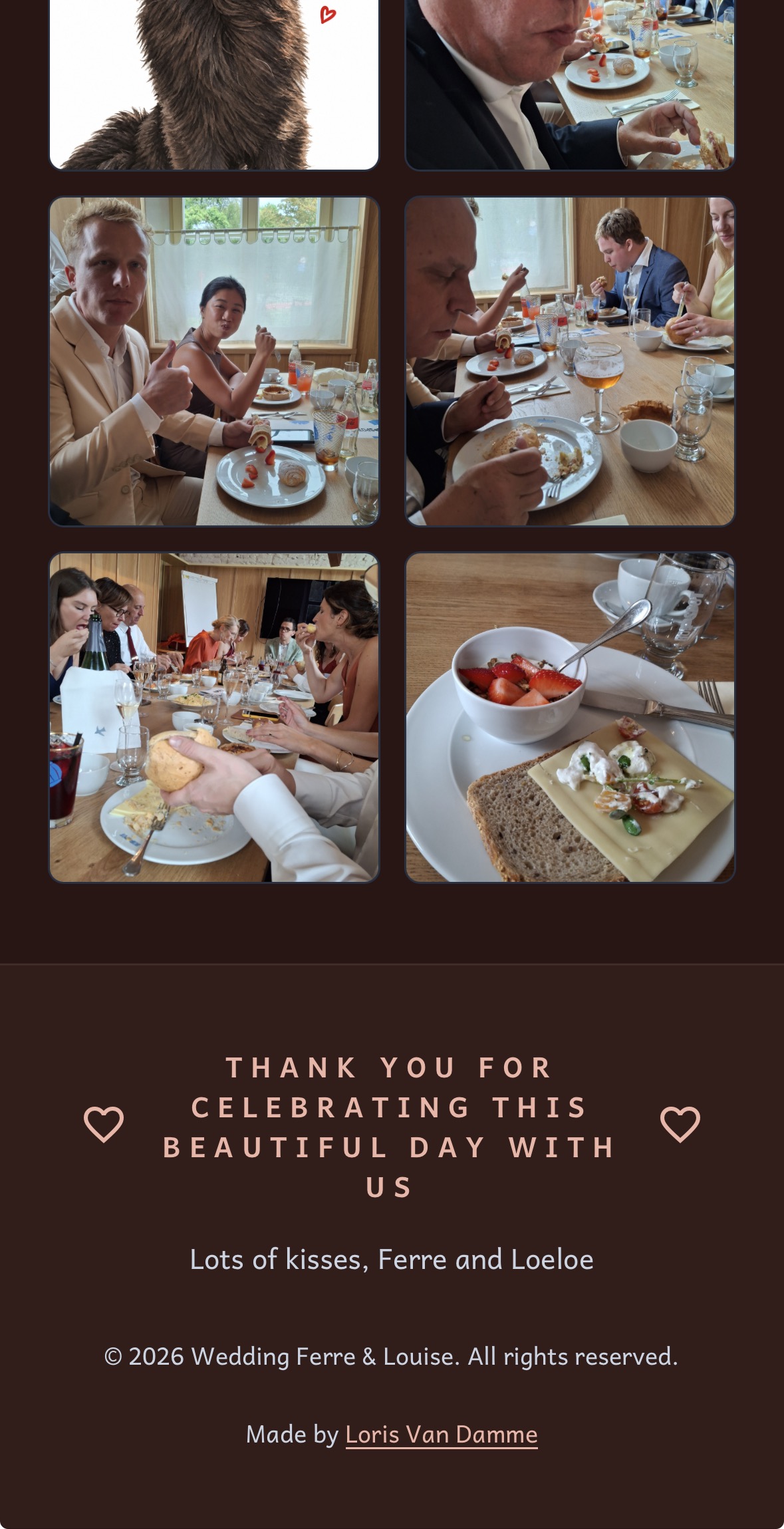
Home screen 4
The home screen, where the user can see their table number, the day's planning, and a few menu items.
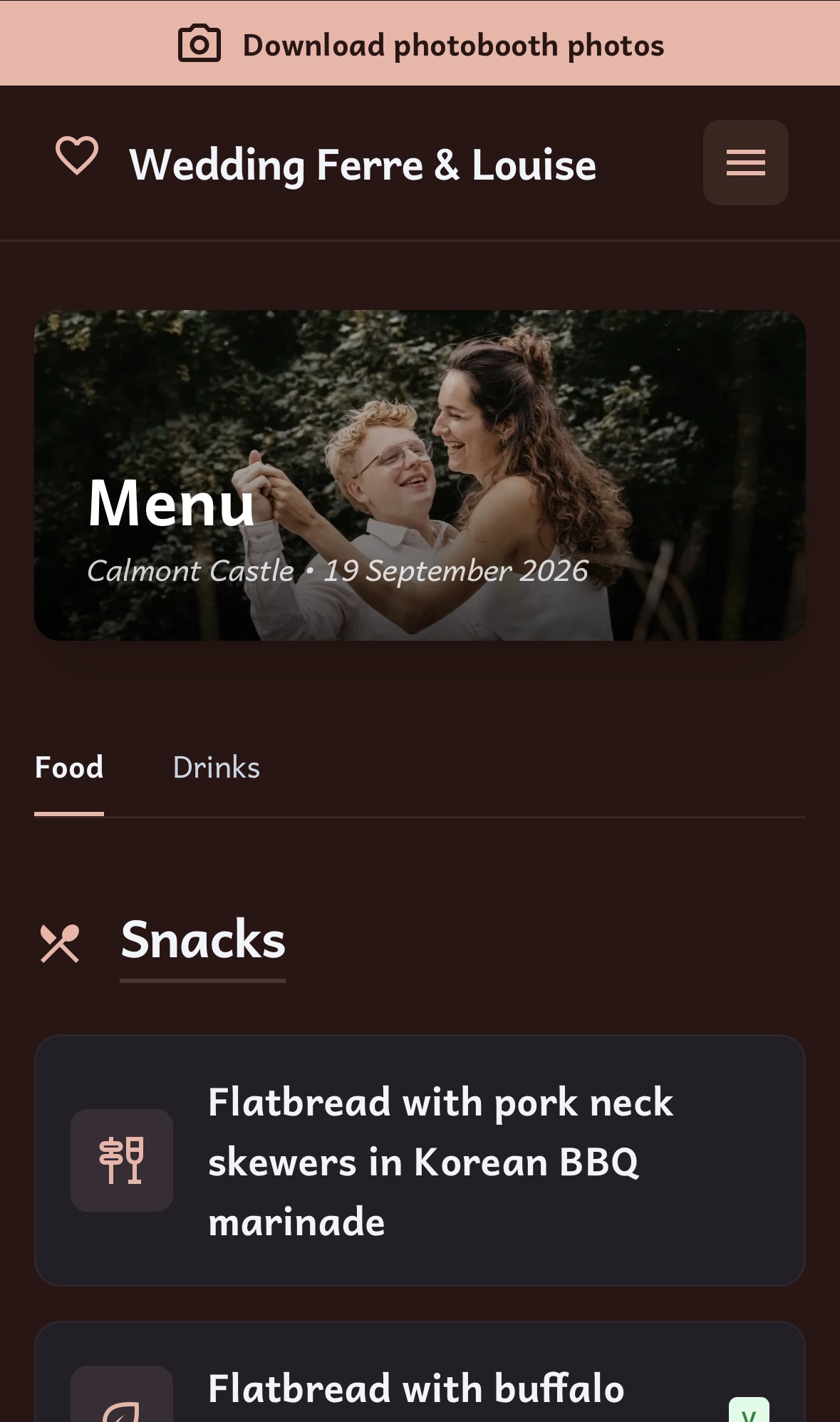
Menu screen 1
The menu screen, where the user can see the available menu items and drinks list.
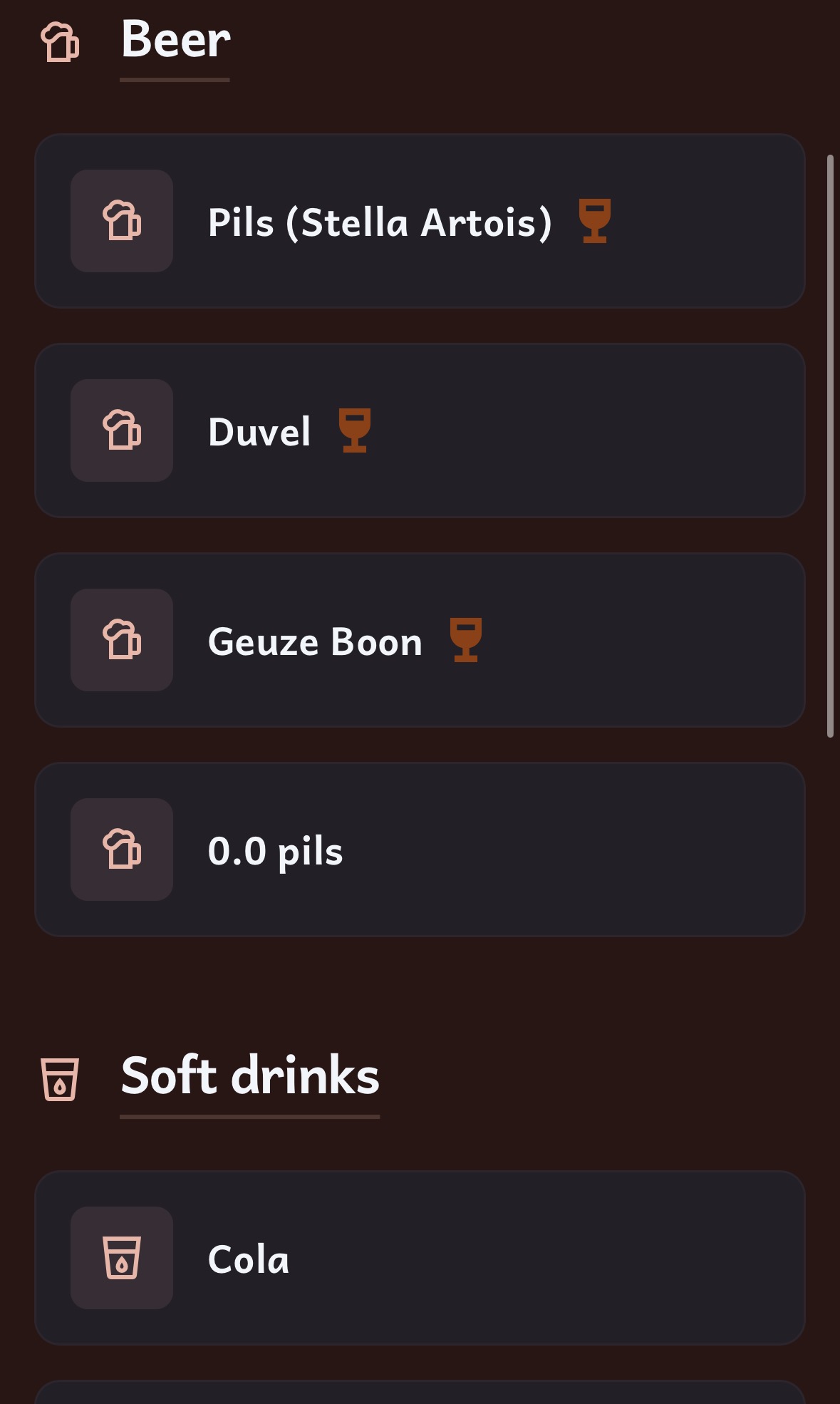
Menu screen 2
The menu screen, where the user can see the available menu items and drinks list.
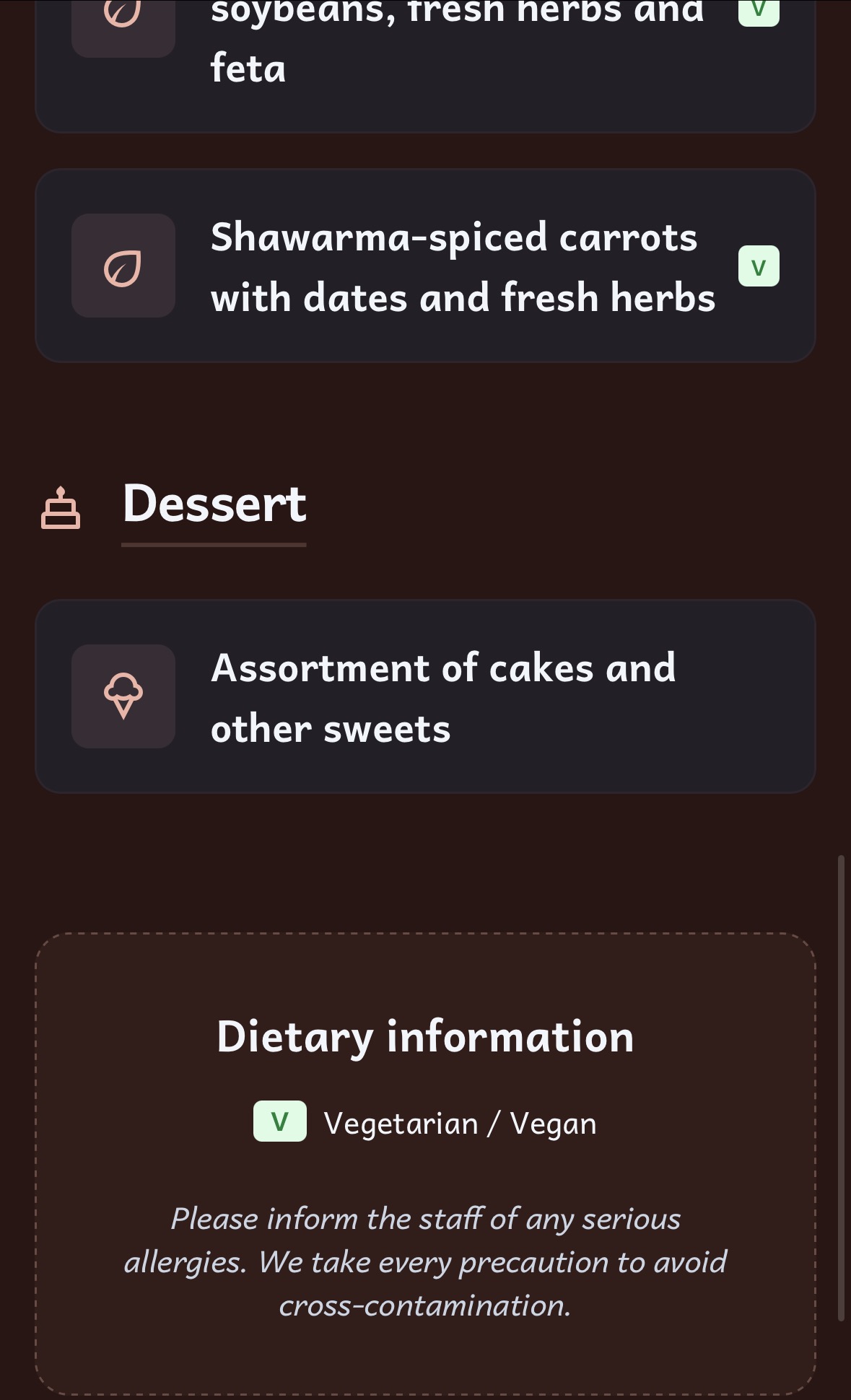
Menu screen 3
The menu screen, where the user can see the available menu items and drinks list.
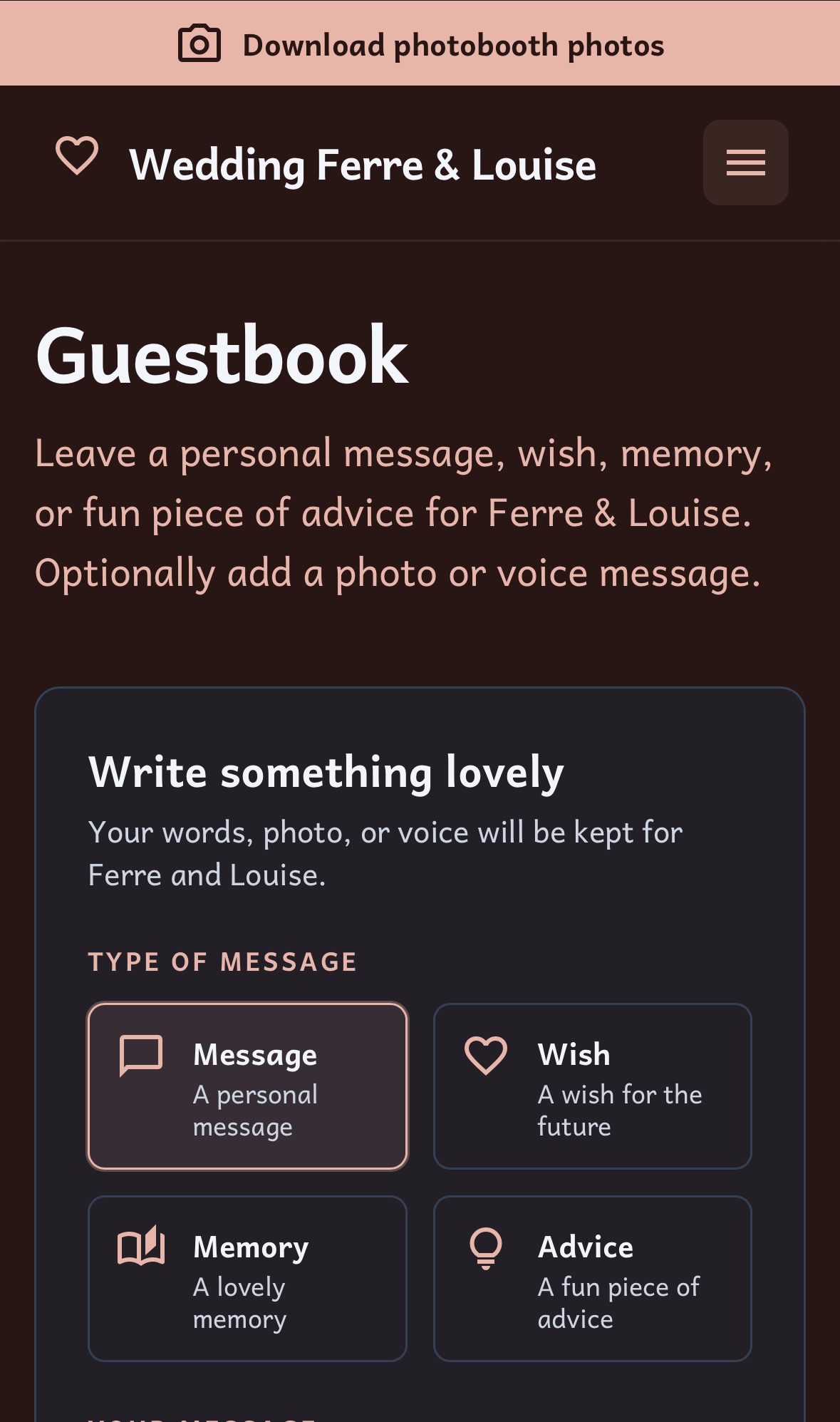
Guestbook screen 1
The guestbook screen, where the user can sign the guestbook and leave a (voice) message.
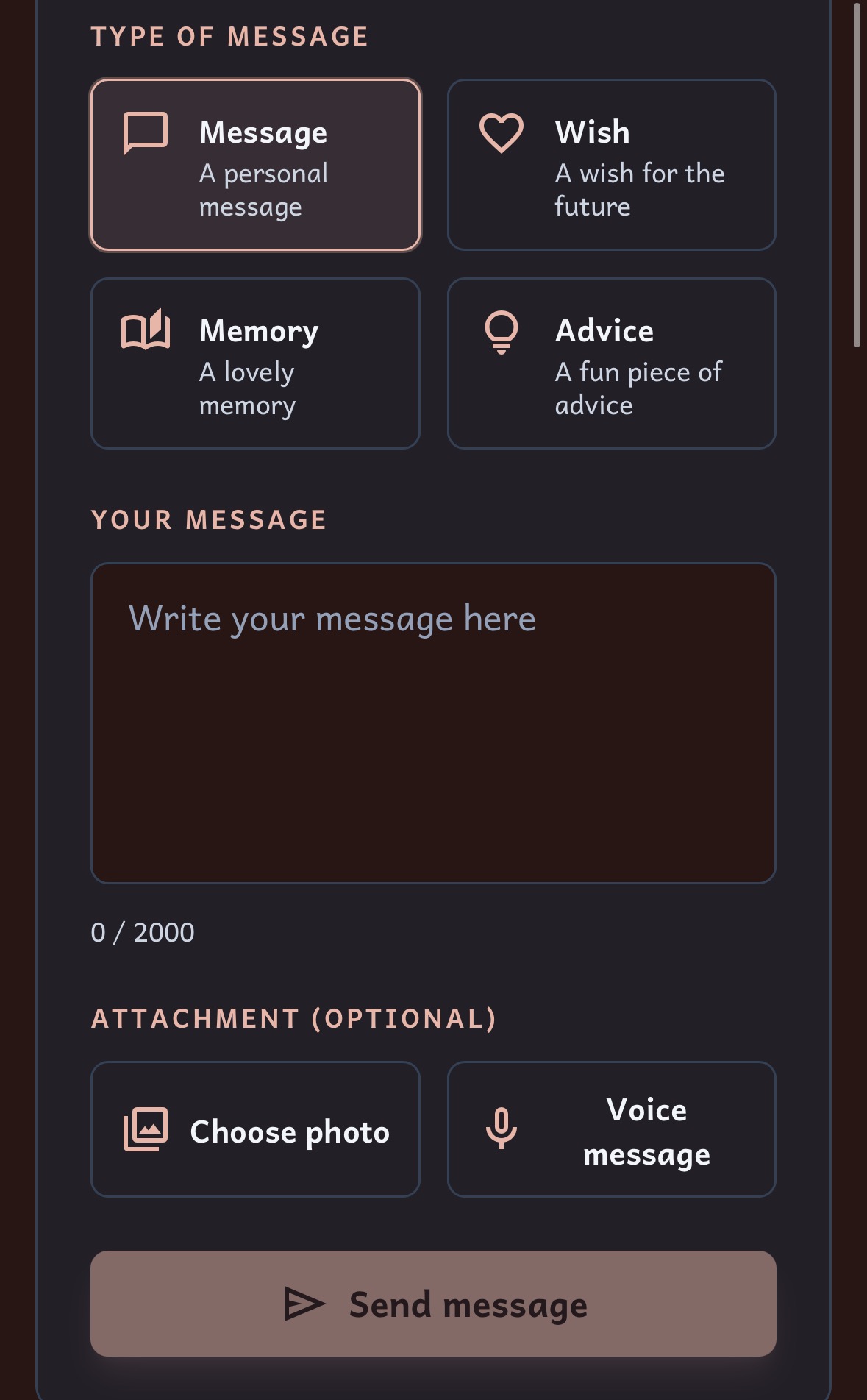
Guestbook screen 2
The guestbook screen, where the user can sign the guestbook and leave a (voice) message.
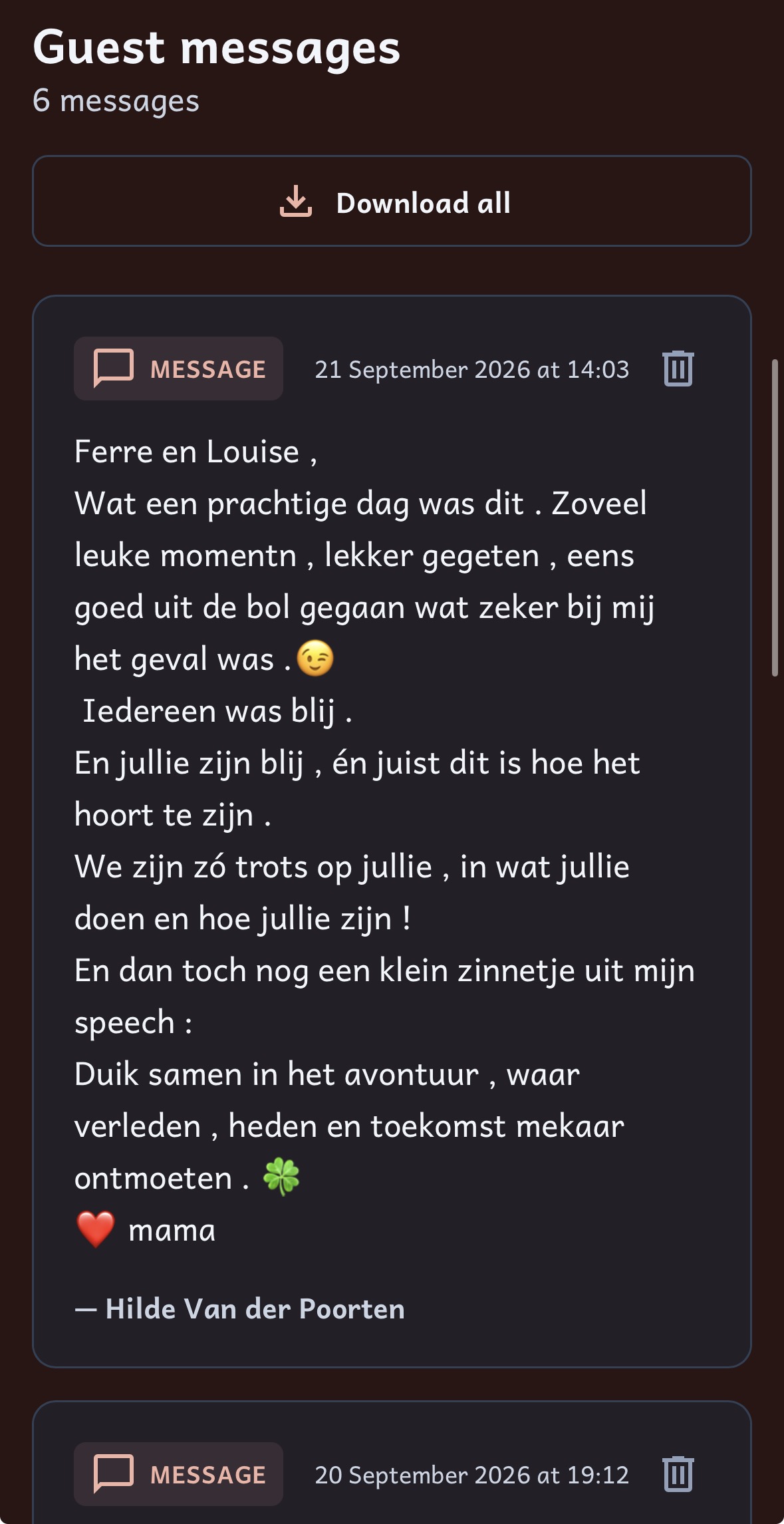
Guestbook screen 3
The guestbook screen, where the user can sign the guestbook and leave a (voice) message.
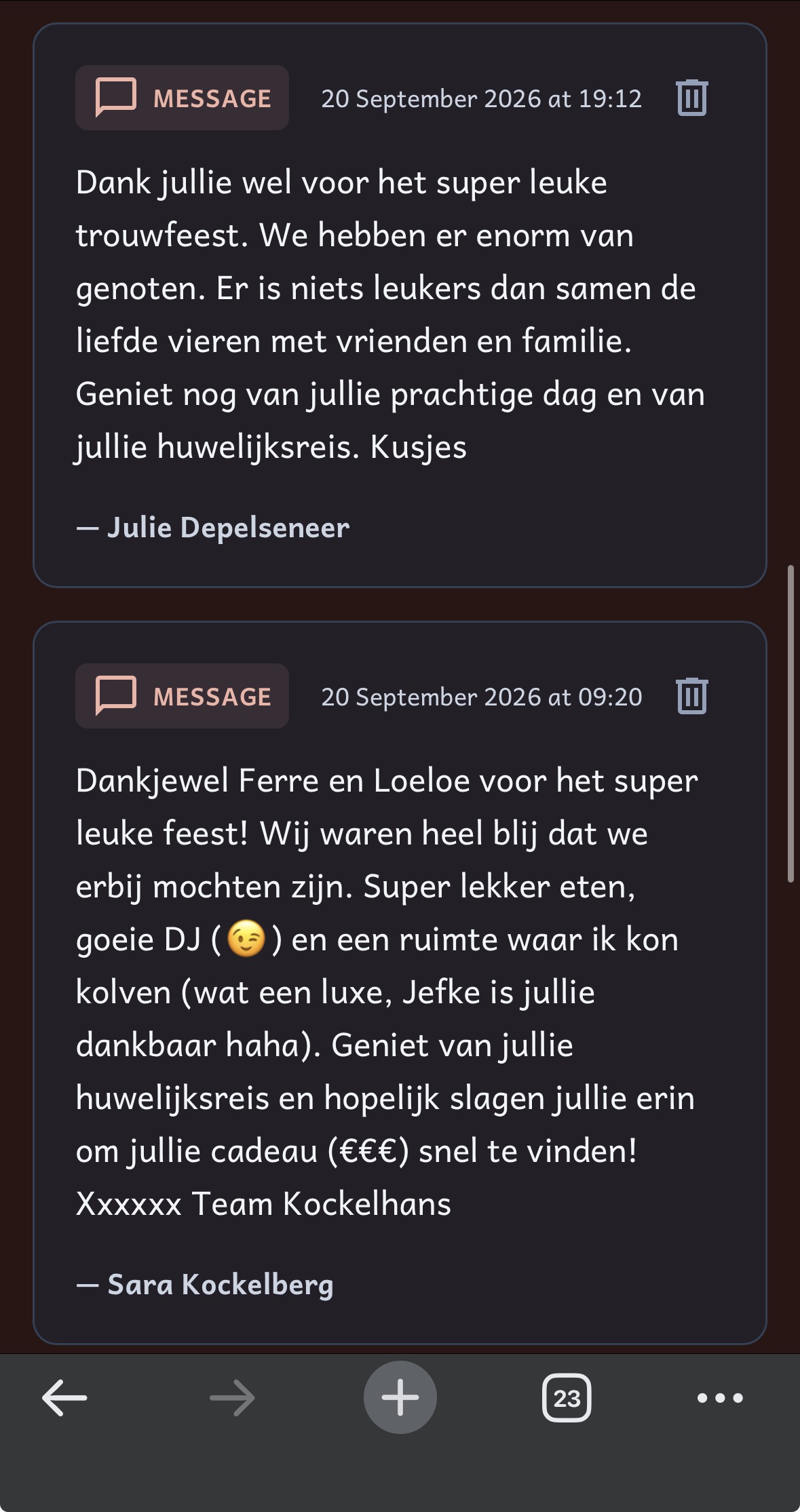
Guestbook screen 4
The guestbook screen, where the user can sign the guestbook and leave a (voice) message.
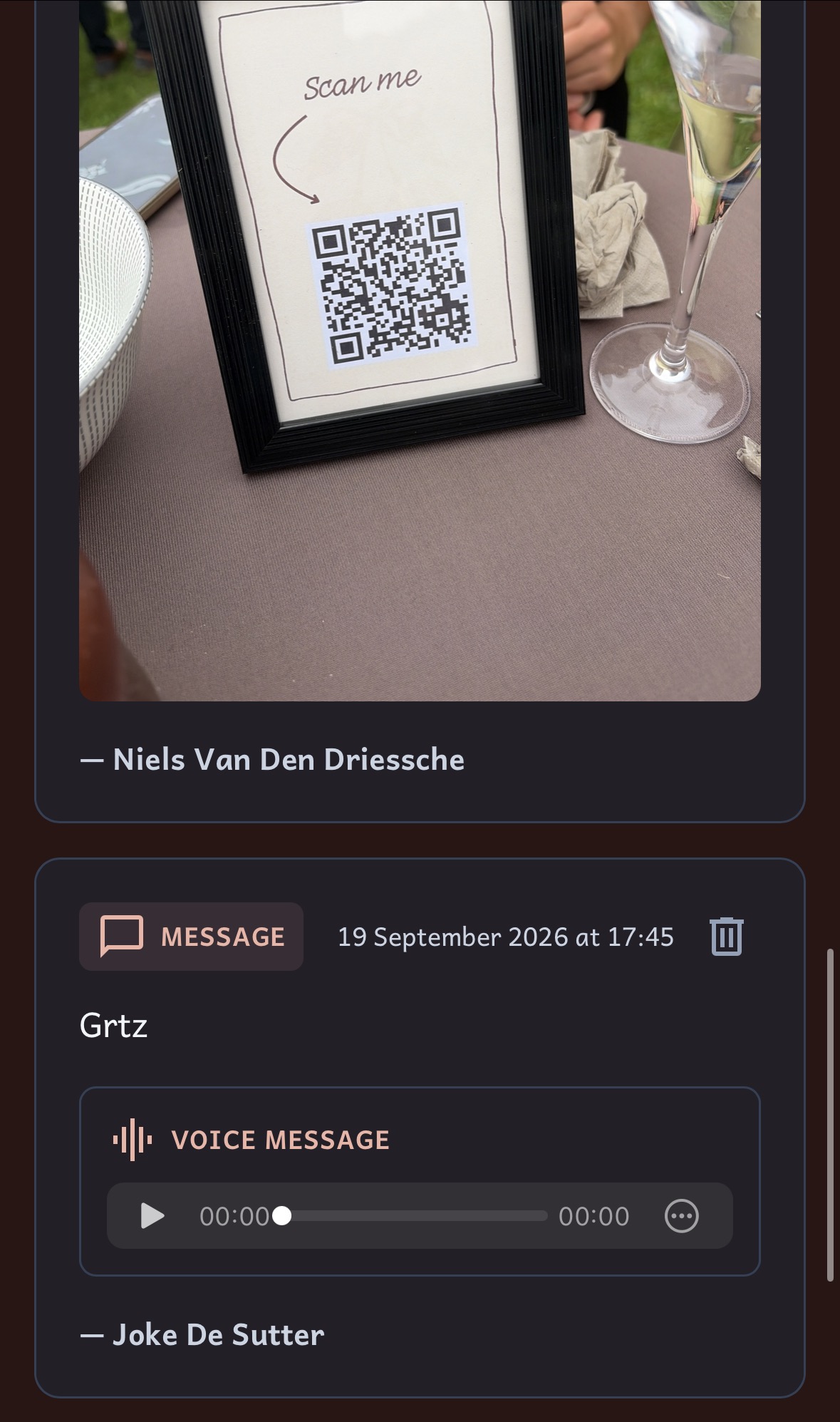
Guestbook screen 5
The guestbook screen, where the user can sign the guestbook and leave a (voice) message.
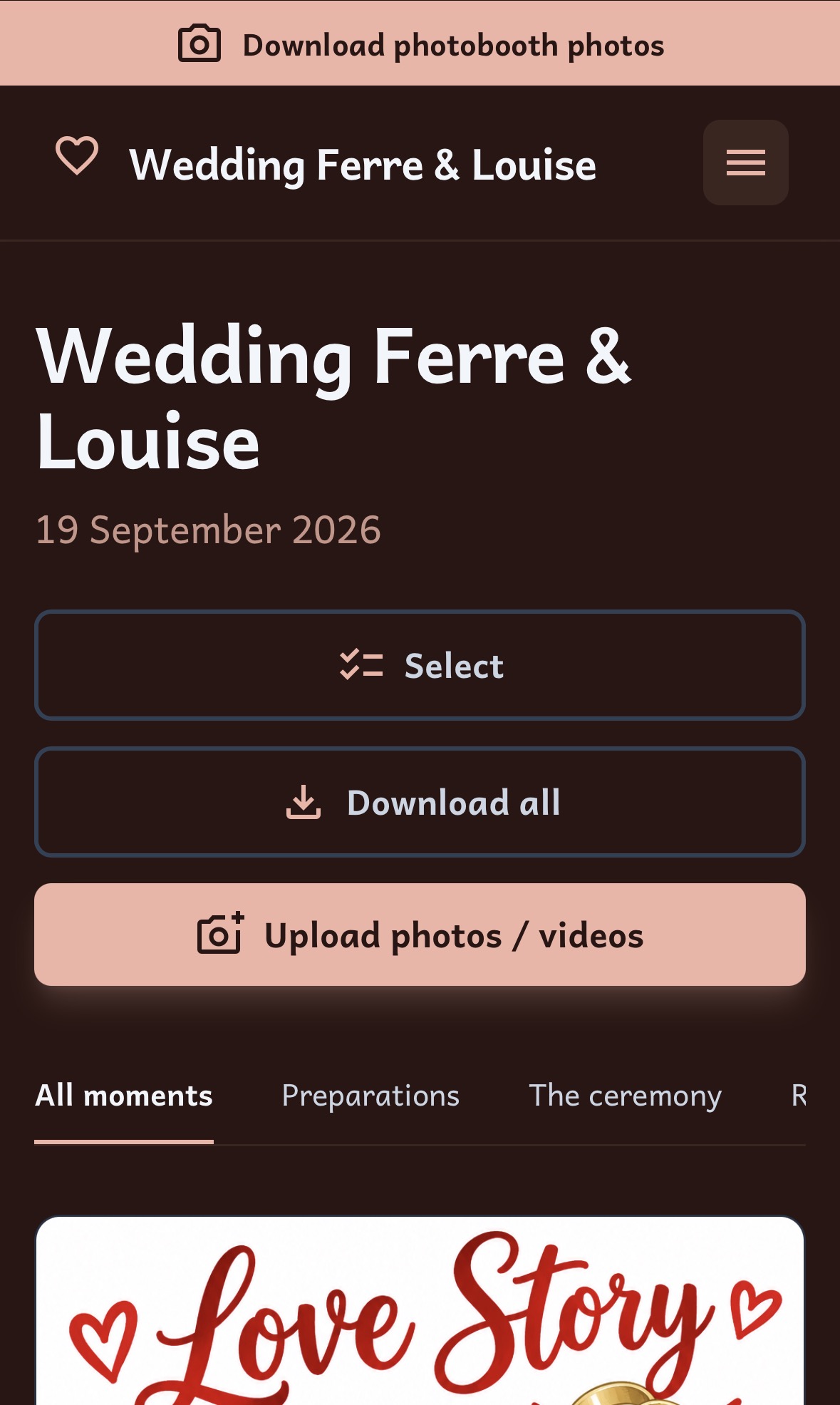
Gallery screen 1
The gallery screen, where the user can view and upload media from the wedding.
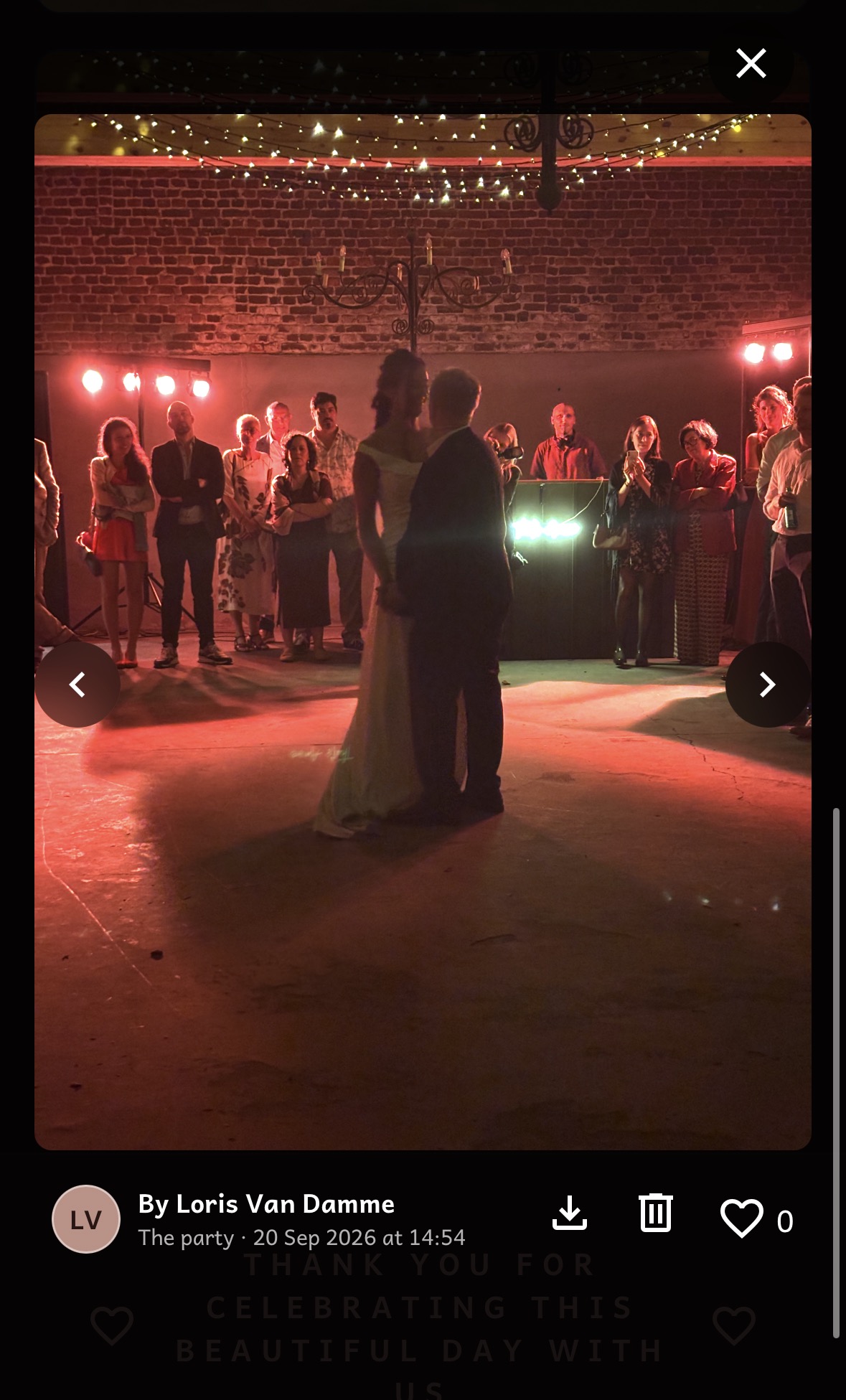
Gallery screen 2
The gallery screen, where the user can view and upload media from the wedding.
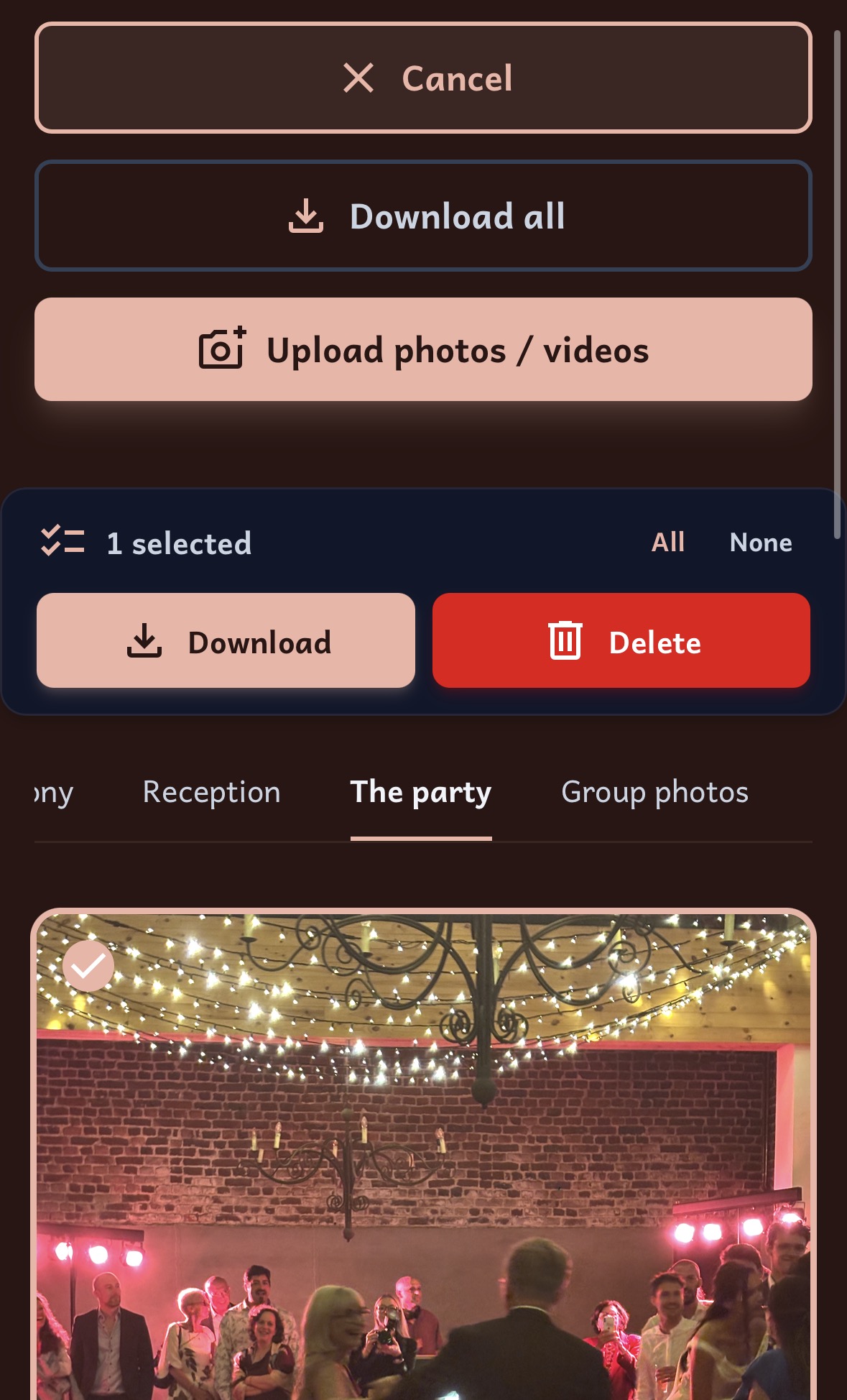
Gallery screen 3
The gallery screen, where the user can view and upload media from the wedding.
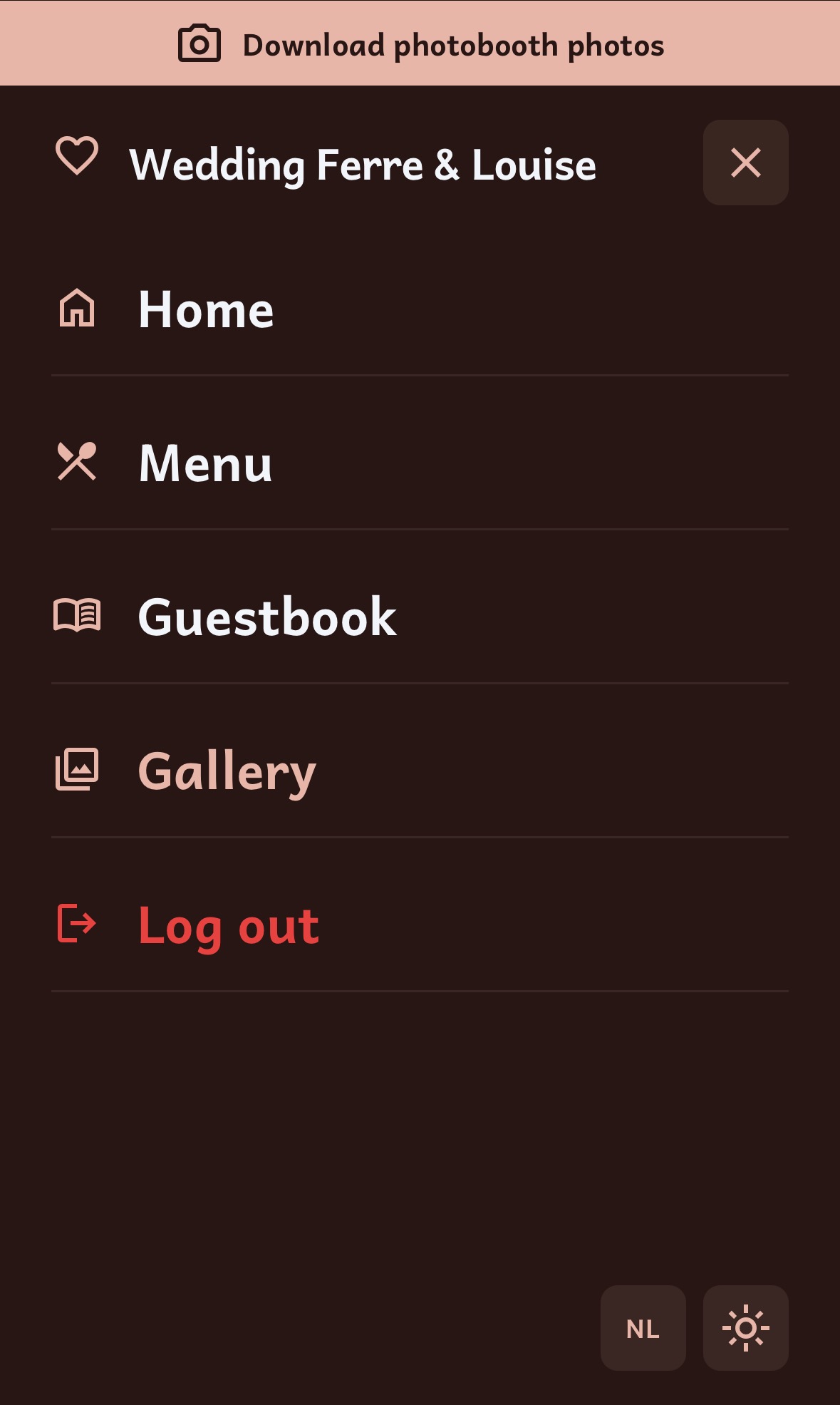
Hamburger menu
The hamburger menu, where the user can access the different pages of the webapp. The user can also change the language of the website here and toggle darkmode/lightmode.
Tech Stack, Tools & Features
frontend
- Next.js
backend
- Supabase
features
- Login system
- Day planning (that updates)
- Gallery with upload functionality
- Guestbook with (voice) messages
- Download media/messages functionality
- Admin tools (like deleting messages and media)
- Multiple languages (Dutch, English, French)
- Darkmode/lightmode
Final Thoughts
This was the first time I made a webapp that was used by a lot of people for a real event and period. It was a lot of fun to see people scan the QR-code to go to the site and use it. It made me very excited to make more event projects in the future.