
Upskill.ai
Project Overview
I've contributed to a website for my brother where users can learn how to use AI tools effectively. I was responsible for the deployment of the website and the database, as well as adding some features and removing the placeholder content. The website is not online anymore, because it was a proof of concept.
Project Gallery
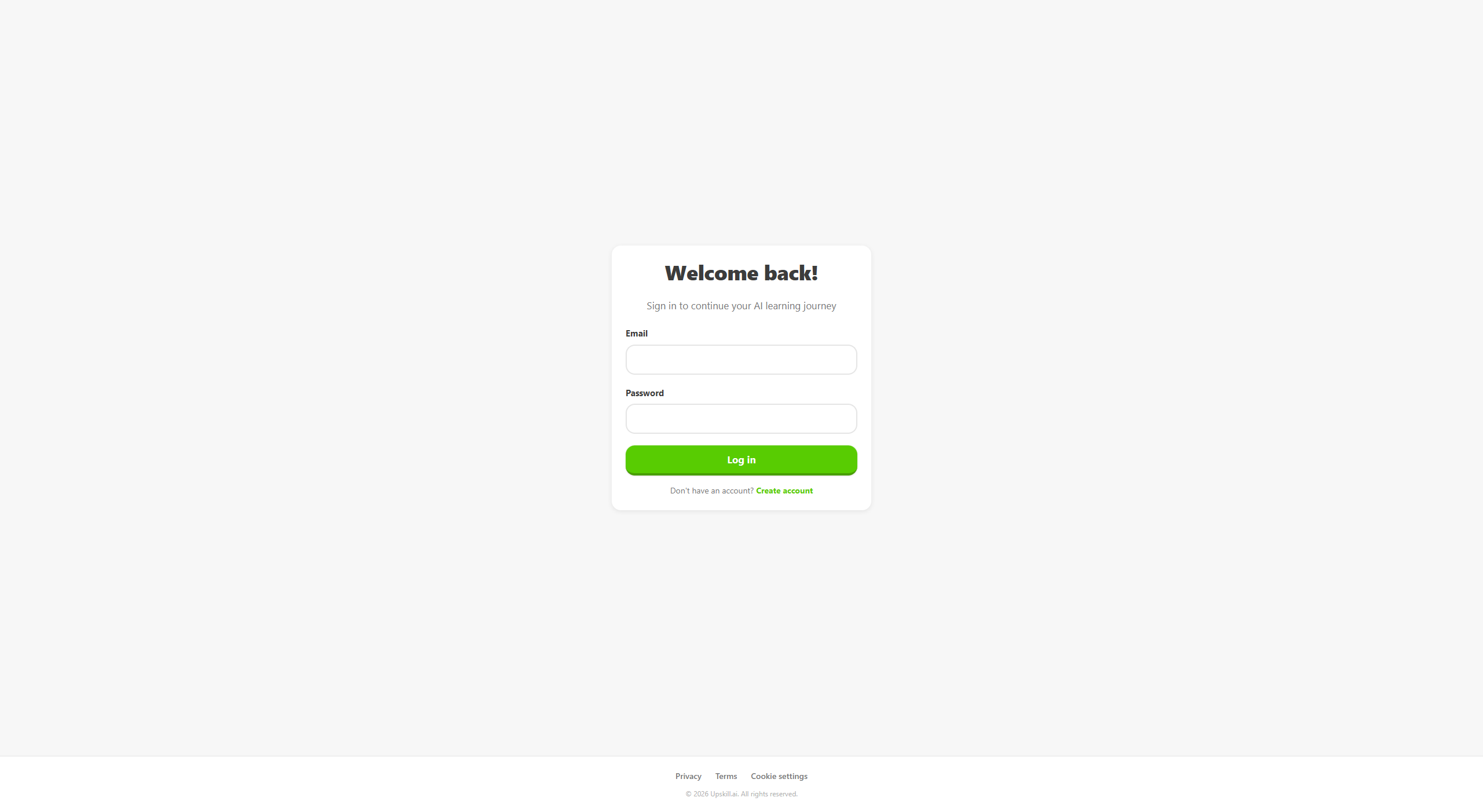
Login
The login screen, where the user can log in with their email and password.
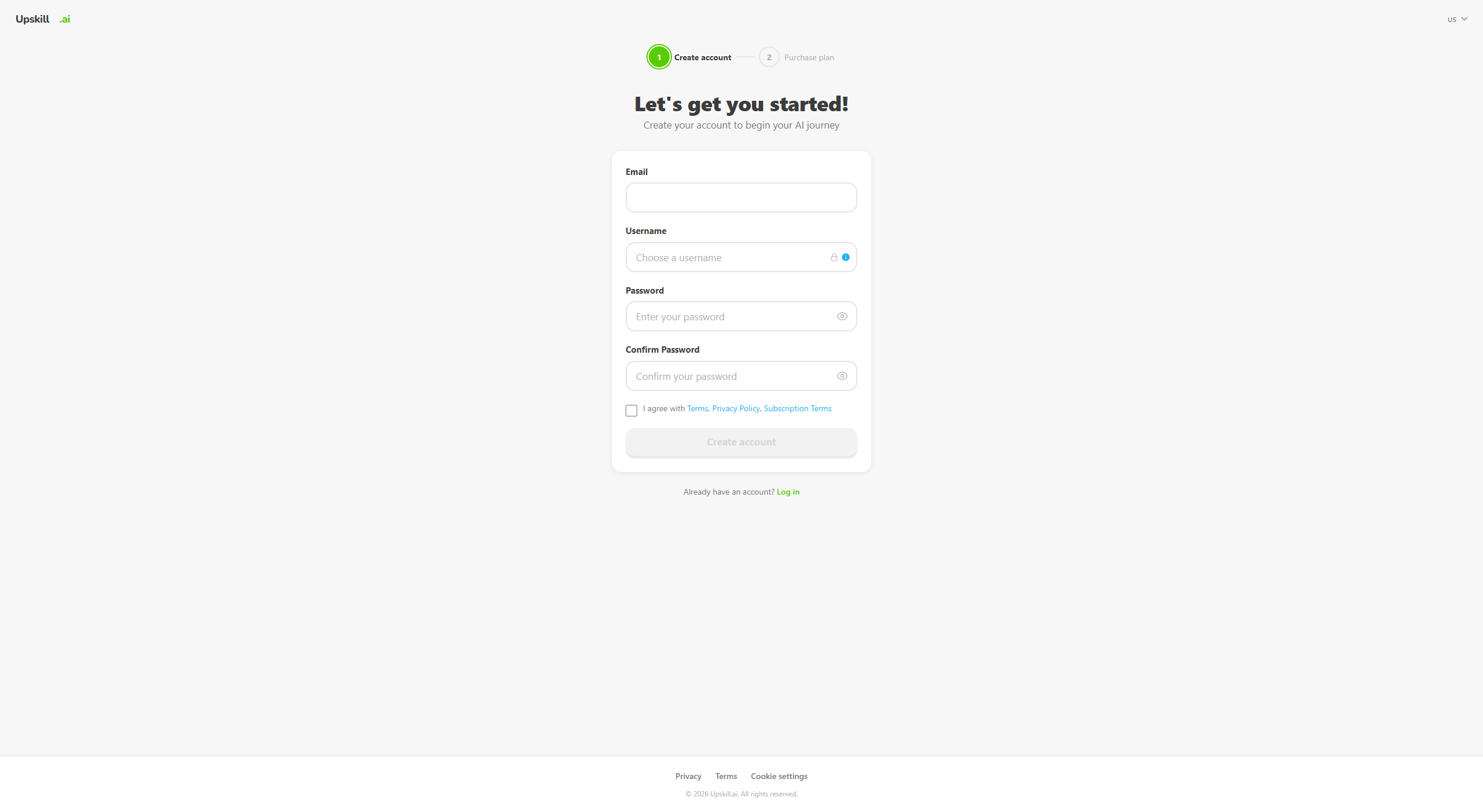
Register
The register screen, where the user can create an account with their email and password.
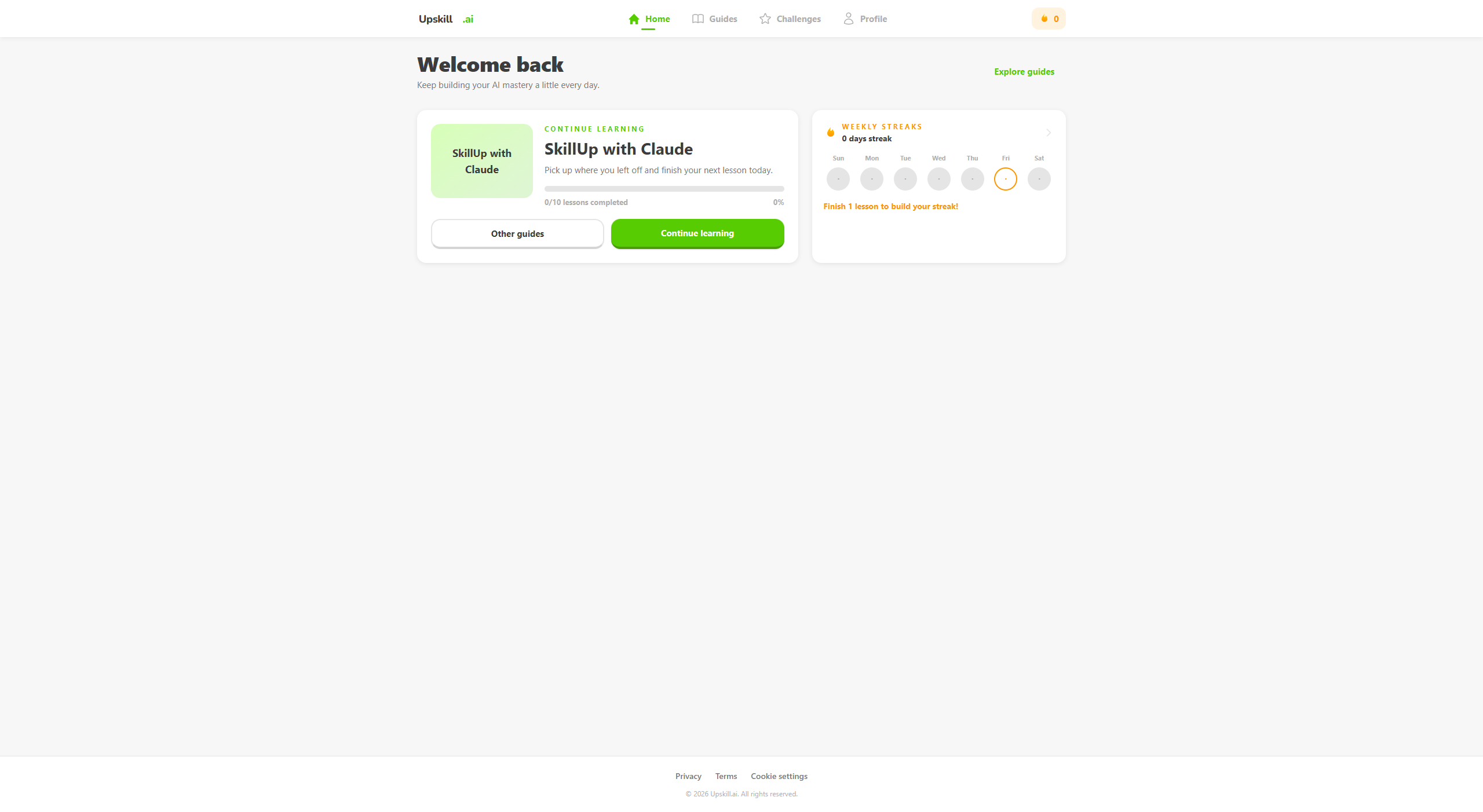
Home
The home screen, where the user can view their courses, challenges and streaks.
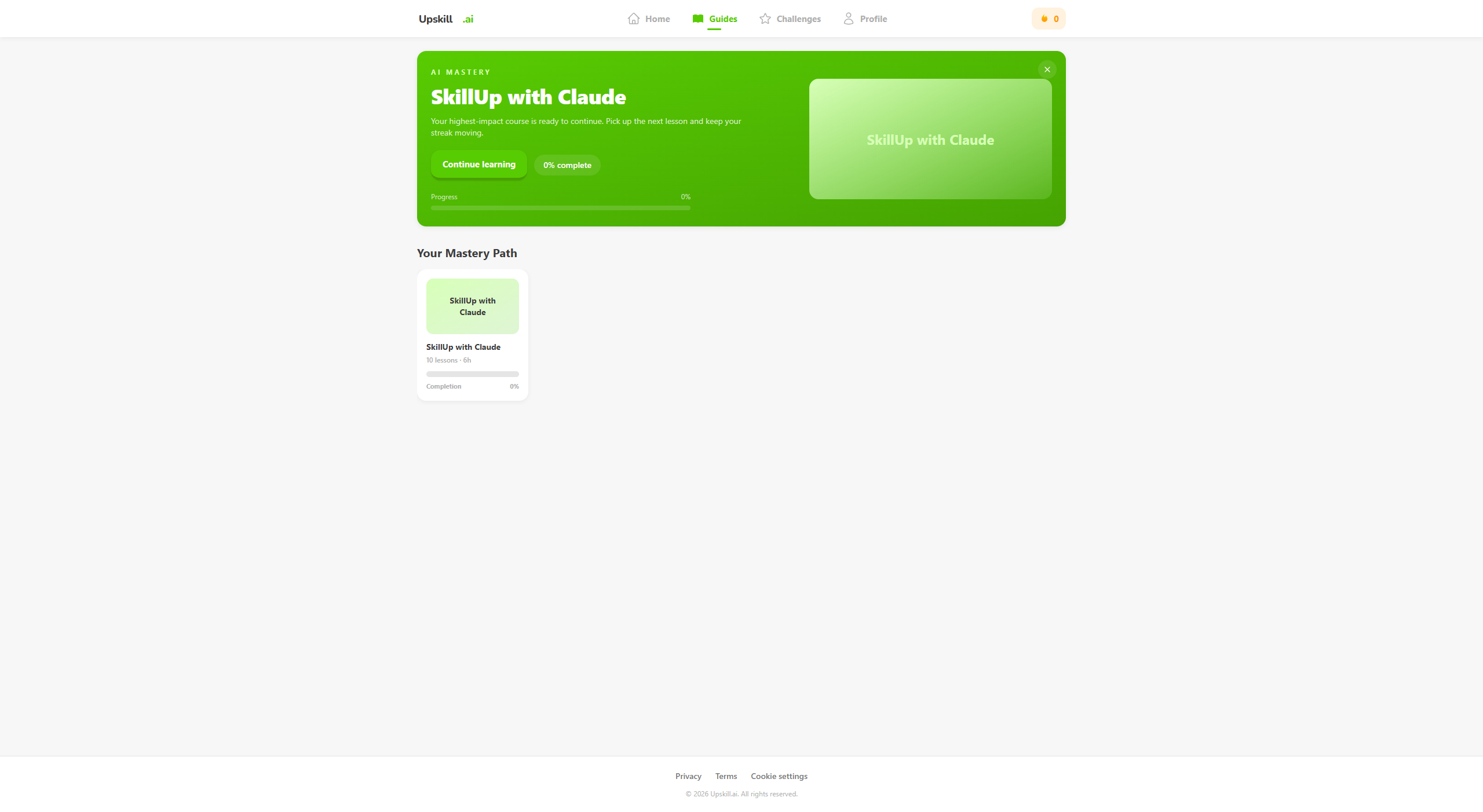
Guides
The guides screen, where the user can view their guides and read them or test themself.
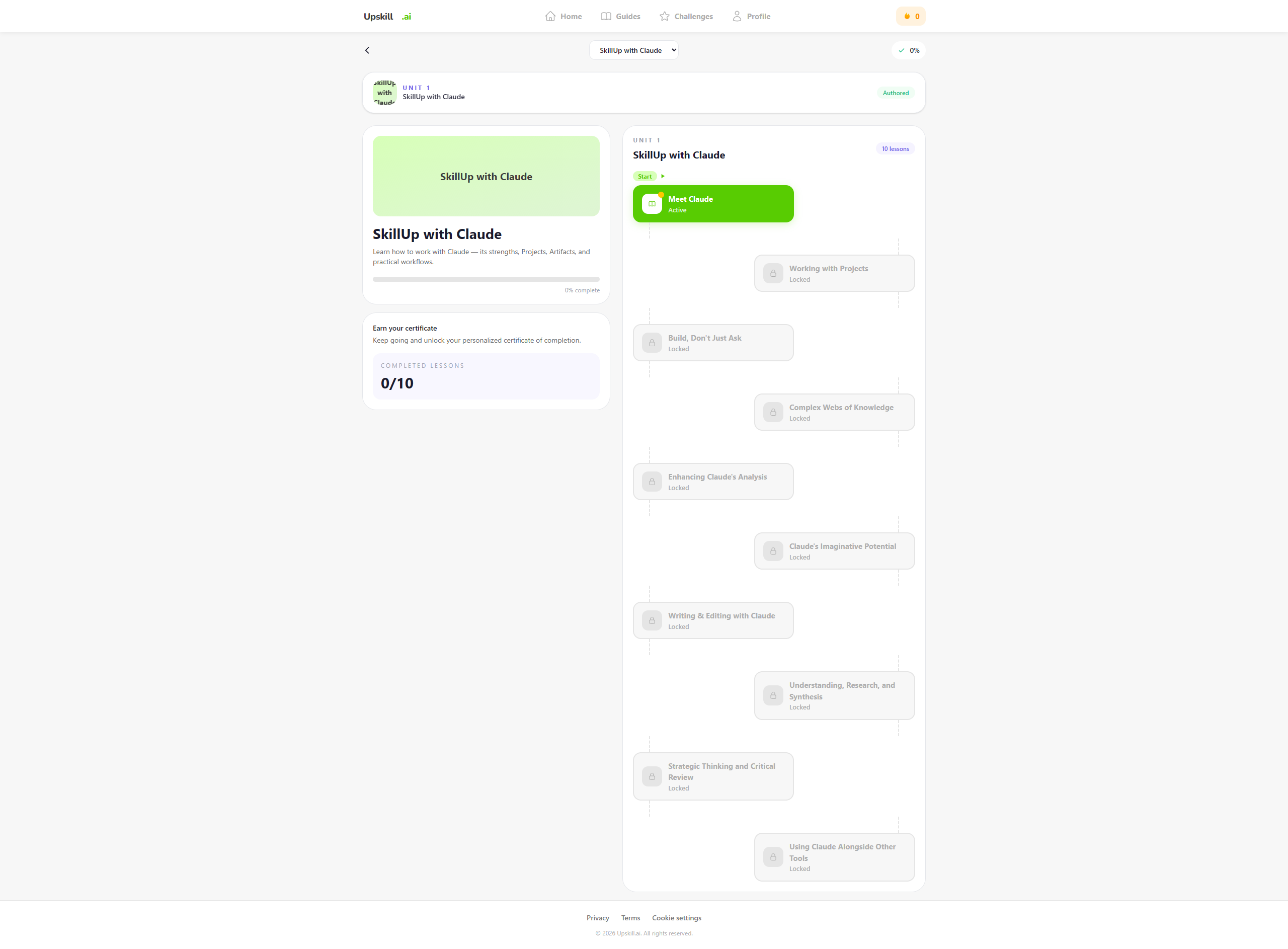
Guide detail
The guide detail screen, where the user can see their learning path and complete the guide.
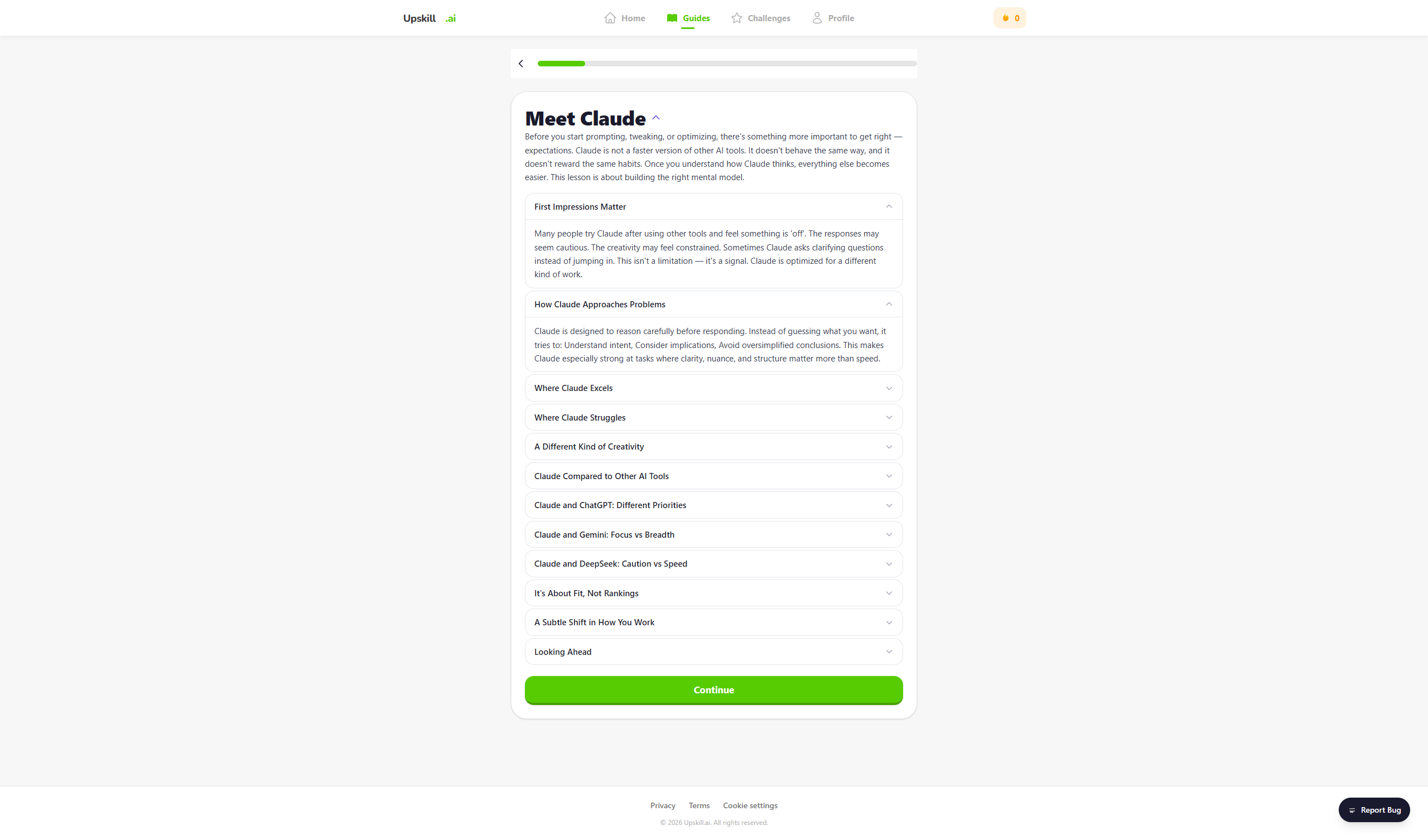
Guide content
The guide content screen, where the user can see the content of the guide.
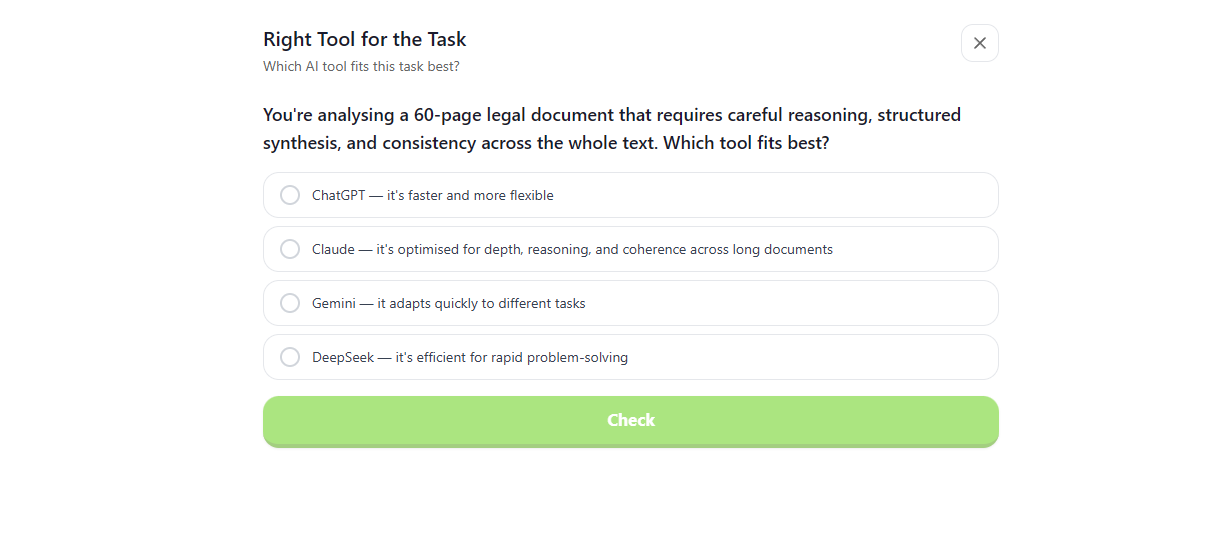
Guide playground
The guide playground screen, where the user can test themself with multiple choice quizzes .
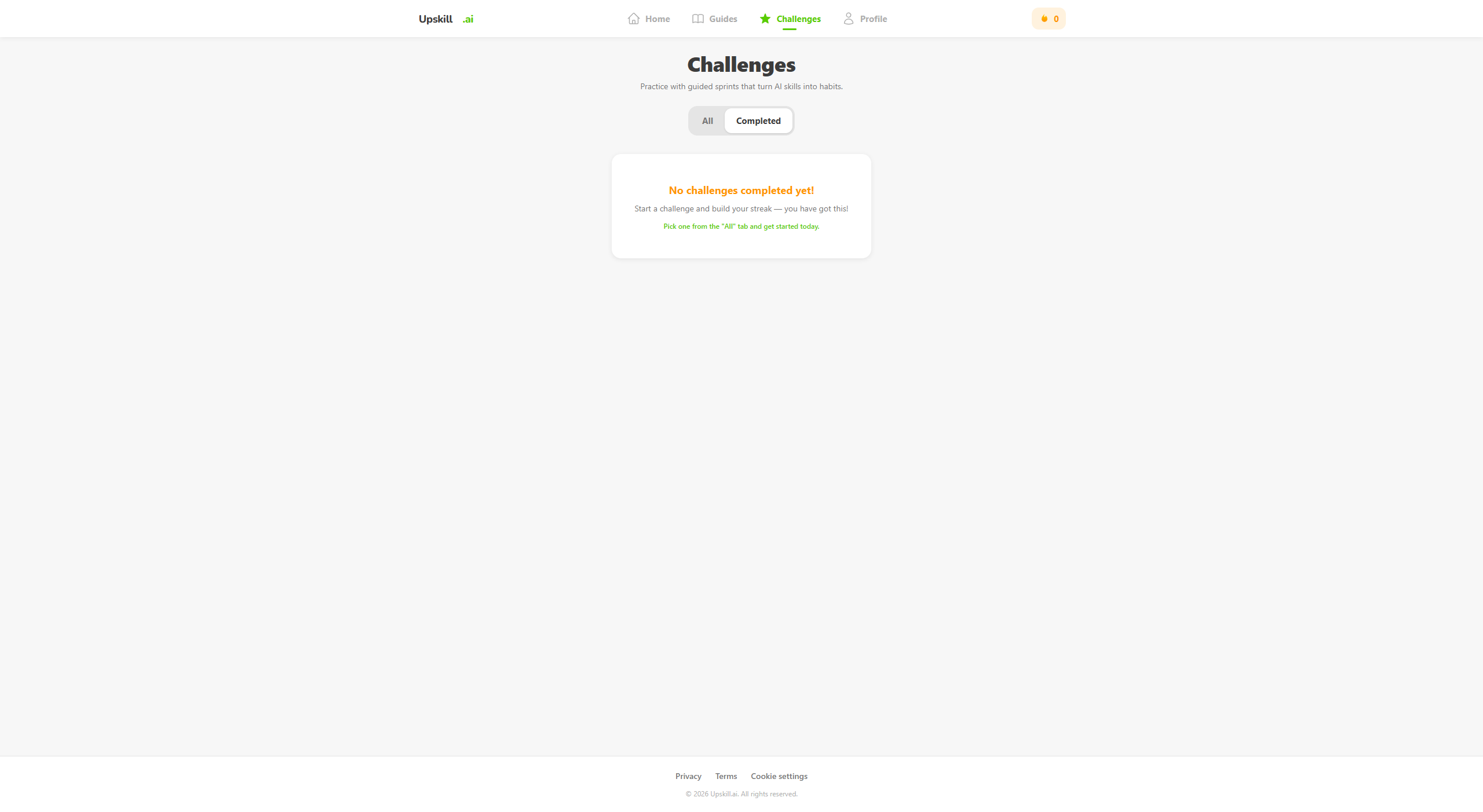
Challenges
The challenges screen, where the user can see the challenges and complete them.
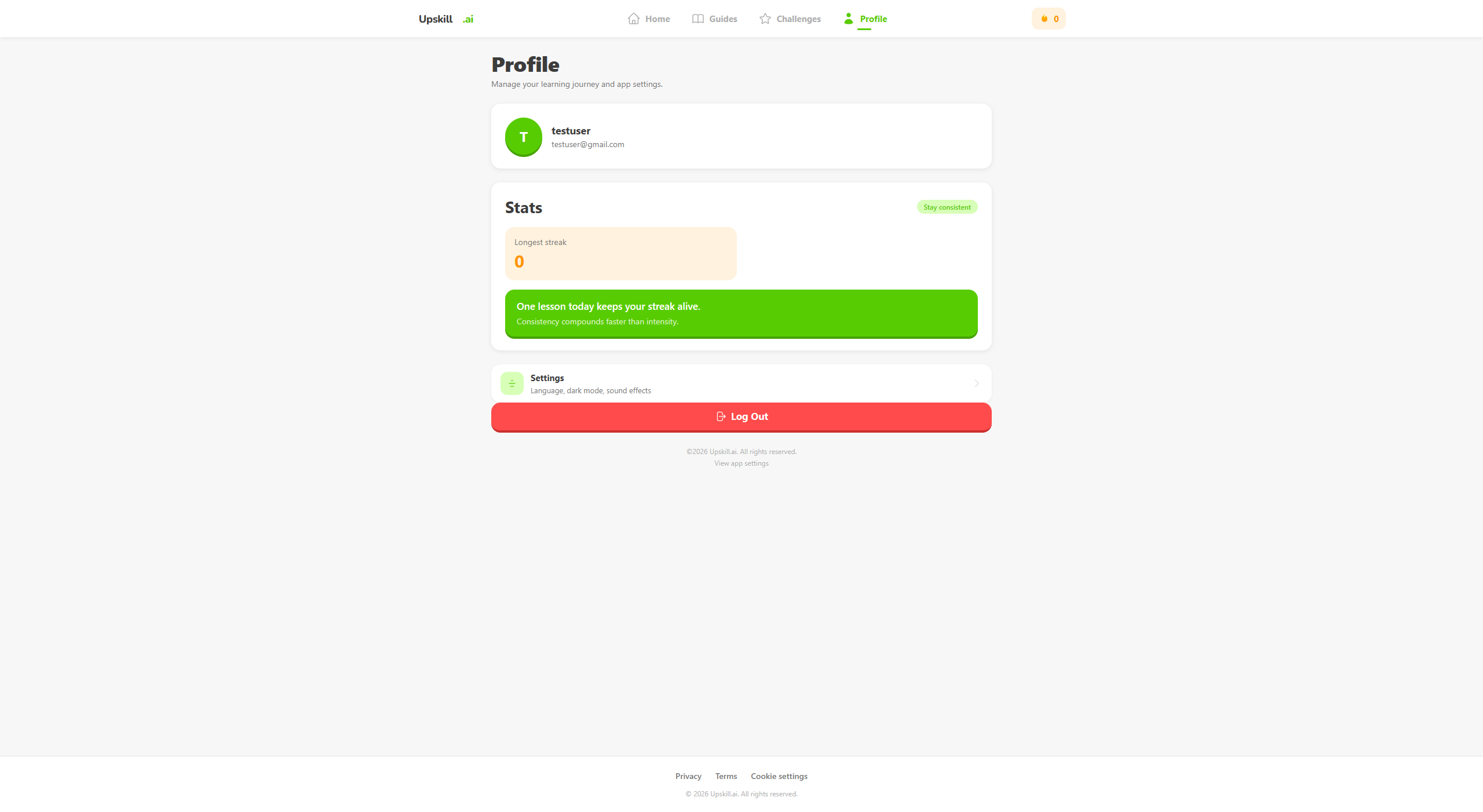
Challenges
The profile screen, where the user can see their profile and settings.
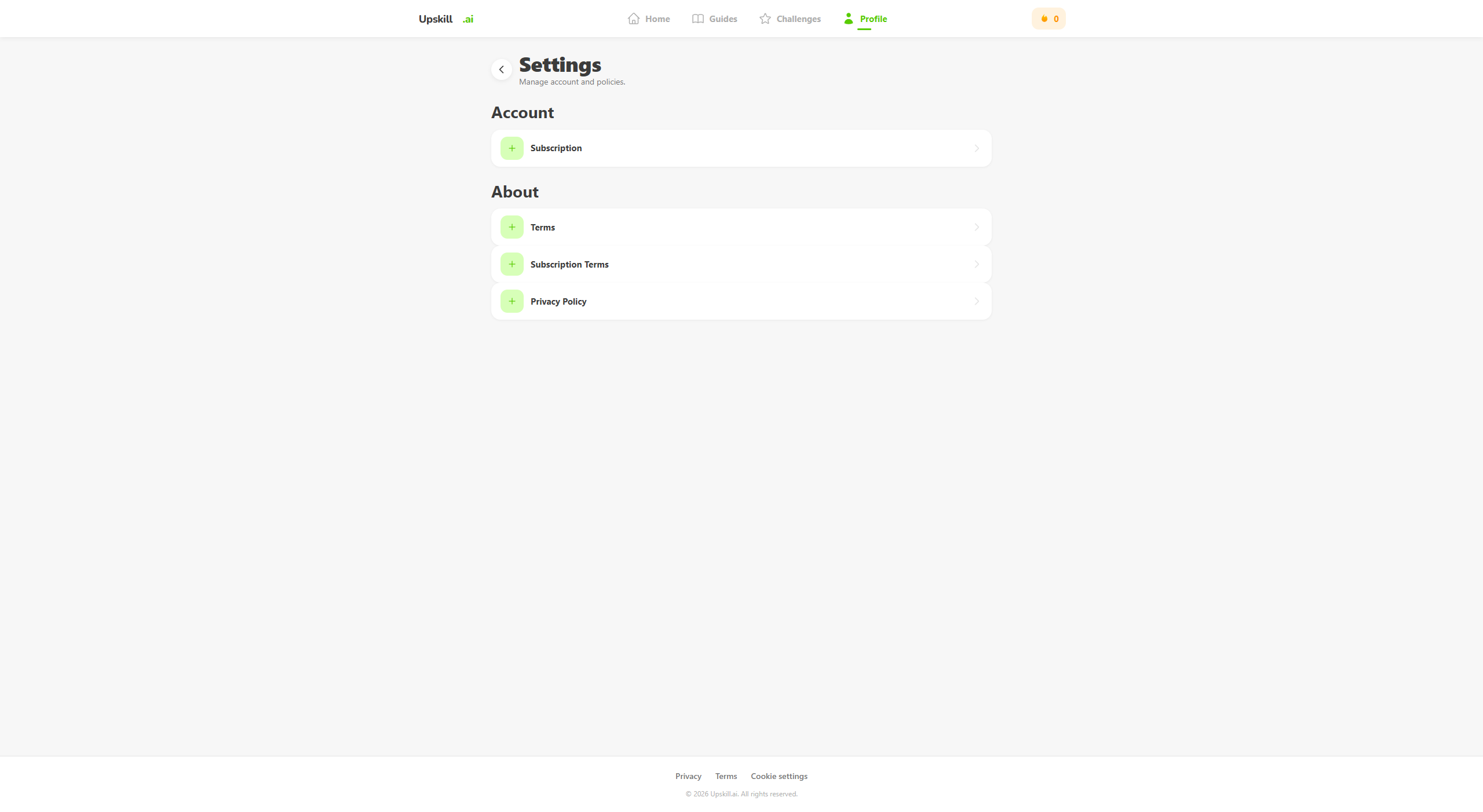
Settings
The settings screen, where the user can change their settings.
Tech Stack, Tools & Features
frontend
- Next.js
backend
- Supabase
- Stripe
- Cloud Run (Google)
features
- Login/register system
- Course/challenge creation for admins with interface
- Course/challenge creation for admins with JSON
- Course/challenge enrollment
- Course/challenge progress tracking
- Daily streaks
- Multiple choice quizzes
Final Thoughts
With this project I've learned the most about Cloud Run and how deployment would work for large scale applications. I also learned about the different payment plans for hosting and databases and how Stripe works for payments.